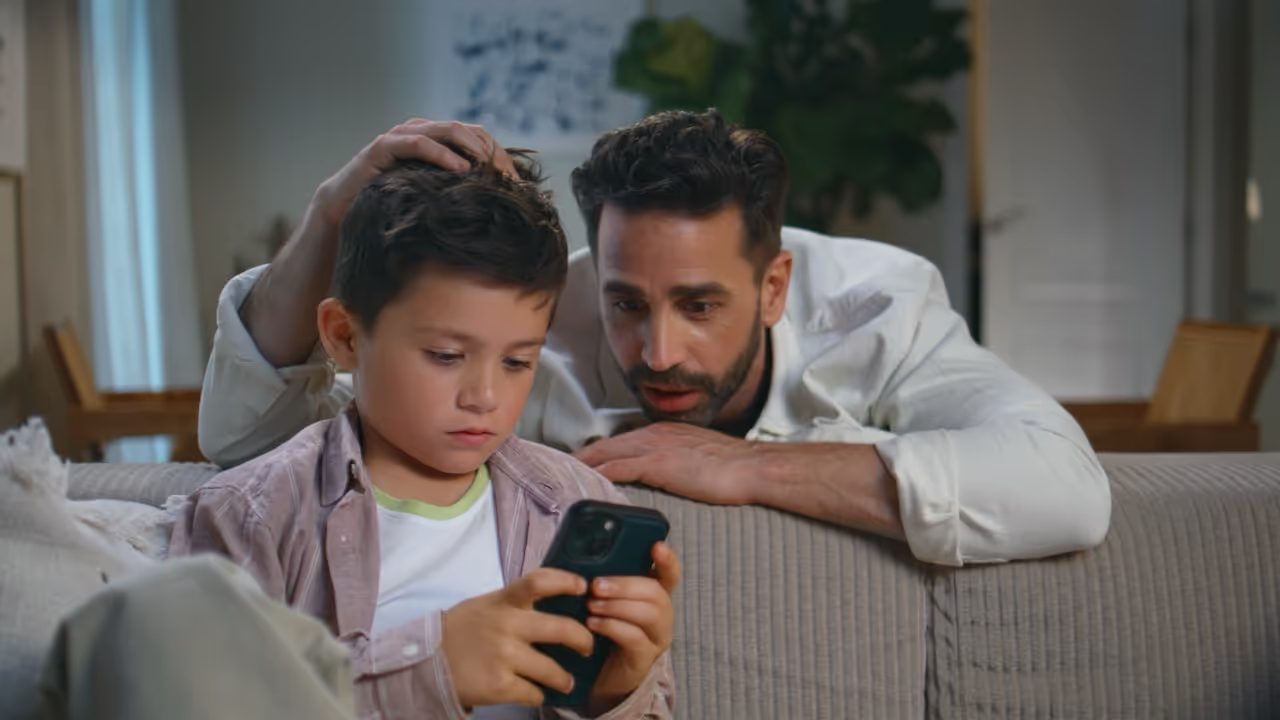
We all want Children Safe While They Play, Chat, and Explore Online
Online bullying, also known as cyberbullying, is a form of bullying that takes place through digital technology, via mobile phones, tablets, computers, and gaming consoles. It includes sending, posting, or sharing negative, harmful, or false content about someone else, often repeatedly and with intent to harm or embarrass.
These risks aren’t always obvious. Even apps that seem harmless like Roblox, YouTube, or Snapchat, can expose children to predators, scams, cyberbullying, or inappropriate content if not properly set up.
Parental controls help children stay safe, focused, and supported online.They can manage screen time, block harmful content, prevent spending, and limit contact with strangers. Used alongside regular chats, they support digital wellbeing and build trust. Use the filter below to find the right guide for your device.
If you’ve got a question, idea, or just want to reach out, we’re here. Fill in the form and a member of the Safe & Smart team will be in touch.