| Charity No: 1197240
This back-to-school online safety checklist helps parents and families prepare for the new school year with practical digital safety tips. From protecting personal information and spotting phishing attempts to reviewing parental controls, updating devices and encouraging healthy digital habits, discover simple ways to help children stay safe and confident online.

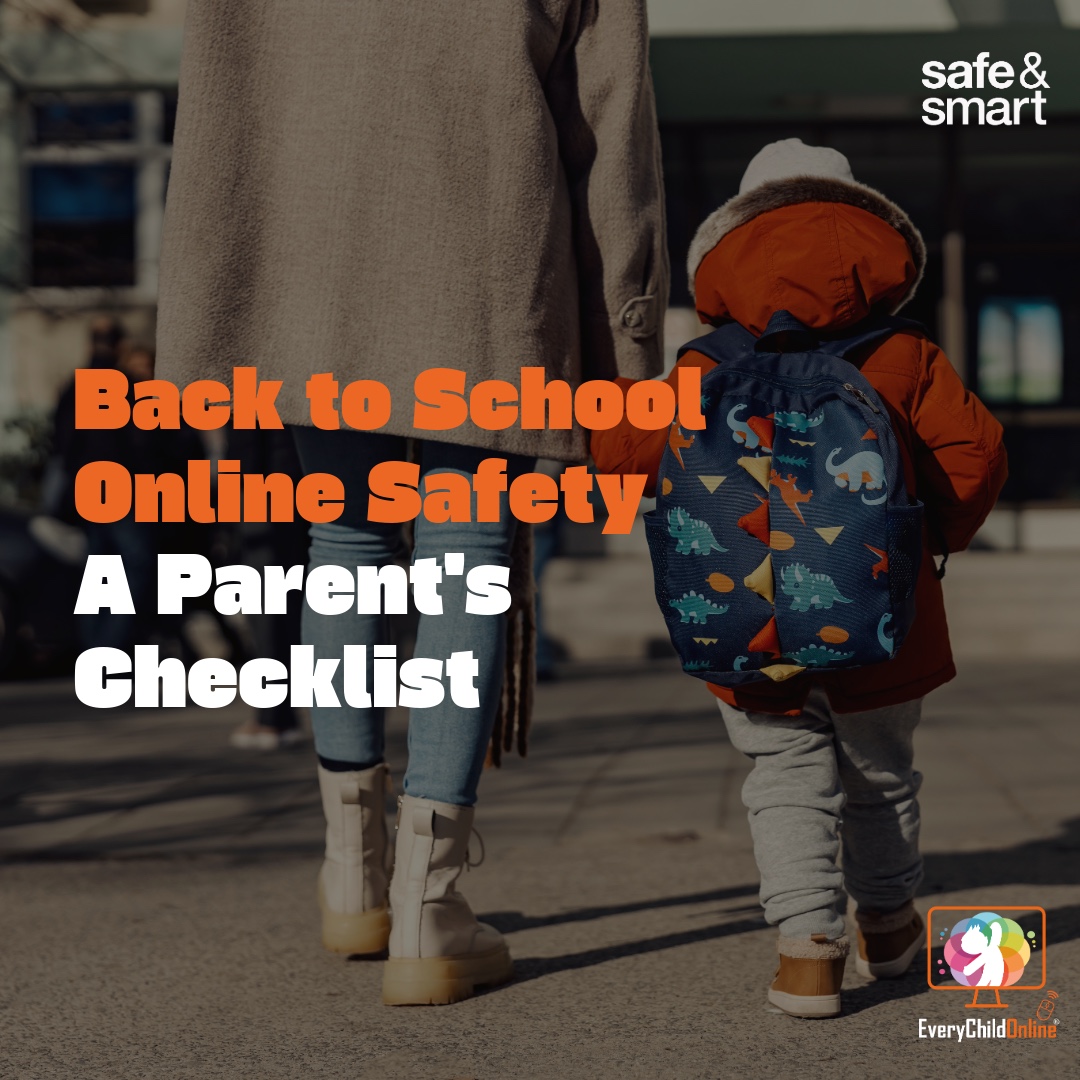
The start of a new school year brings fresh routines, new teachers, and plenty to organise. Alongside buying uniforms and labelling lunch boxes, it's also the perfect opportunity to check that your family's online safety is ready for the months ahead.
For many families, the school day doesn't end at the classroom door anymore. Homework is set online, messages come through apps, and children often need a phone, tablet or laptop to keep up with school. That's why the start of a new term is a good time to check your family's digital safety as well as picking out new stationery.
At Every Child Online, our Safe & Smart resources are designed to help families build safer digital habits through practical, easy-to-follow advice. As children head back to school, we've put together this checklist to help you start the new term with confidence.
1. Think Before You Share School Information
The first-day-of-school photo has become a tradition for many families. Before you post, take a quick look at what's visible in the background, you may be sharing more information than you realise.
Photos in school uniform, pictures outside the school gates or posts mentioning your child's school name, class or daily routine can unintentionally reveal personal information. Combined, these details can make it easier for strangers to identify your child.
If you do share photos, consider:
2. Watch Out for Fake School Emails and Messages
The start of term is busy for everyone, including scammers. They know parents are expecting emails about payments, trips and uniforms, making this a common time for phishing attempts.
Be cautious if you receive emails or messages asking you to:
If something doesn't look right, contact the school directly using a trusted phone number or website rather than replying to the message.
3. Update Devices Before Homework Begins
If your child uses a device for homework, a quick update now can prevent security issues and help everything run more smoothly throughout the term.
Installing the latest updates helps protect devices from known security vulnerabilities and often improves performance too.
Don't forget to update:
4. Review Your Parental Controls
As children grow, the apps, websites and games they use often change too.
Take a few minutes to review the parental controls on your home broadband, devices and apps to make sure they're still appropriate for your child's age and needs.
Our Safe & Smart Parental Controls Guide explains the different options available across different apps and platforms, and how to get started, making it easier to choose the controls that work best for your family.
5. Talk About Online Safety Before Problems Happen
Technology changes quickly, but one of the best online safety tools is regular conversation.
Ask your child:
Creating an open environment means children are far more likely to ask for help if something doesn't feel right. We have a more in depth conversation guide here.
6. Set Healthy Digital Habits for the School Year
The return to school is a great time to reset routines.
Consider agreeing:
Small habits can make a big difference to both online safety and wellbeing.
A Safe Start to the School Year
Preparing for school isn't just about stationery and uniforms, it's also about helping children use technology safely and confidently.
By checking your privacy settings, updating devices, reviewing parental controls and keeping conversations open, you'll give your child a safer digital start to the new school year.
Every family is different, but staying informed and involved is one of the most effective ways to help children enjoy all the benefits of technology while reducing the risks.
If your child doesn't have access to the technology they need for their education, we recommend speaking to their school or teachers. They can get in touch with us to find out how Every Child Online may be able to help.
At Every Child Online, we believe online safety should be practical, accessible and easy for every family to understand. Explore our Safe & Smart resources for more advice on parental controls, online safety, digital wellbeing and helping children build positive digital habits throughout the school year.
Looking for help with a device? Please note that Every Child Online does not provide devices directly to members of the public. *
We’d love to hear from you! Whether you’re interested in partnering with us, making a donation, or simply want to learn more about our work, please get in touch using the form.
*Every Child Online operates within the UK only. We provide support through trusted referral partners, including schools, charities, social services and community organisations. We do not supply devices directly to members of the public or outside the UK.